Lesson 4
Agent
Introduction
Want the words that steer it? Peek ahead to the Prompt hall
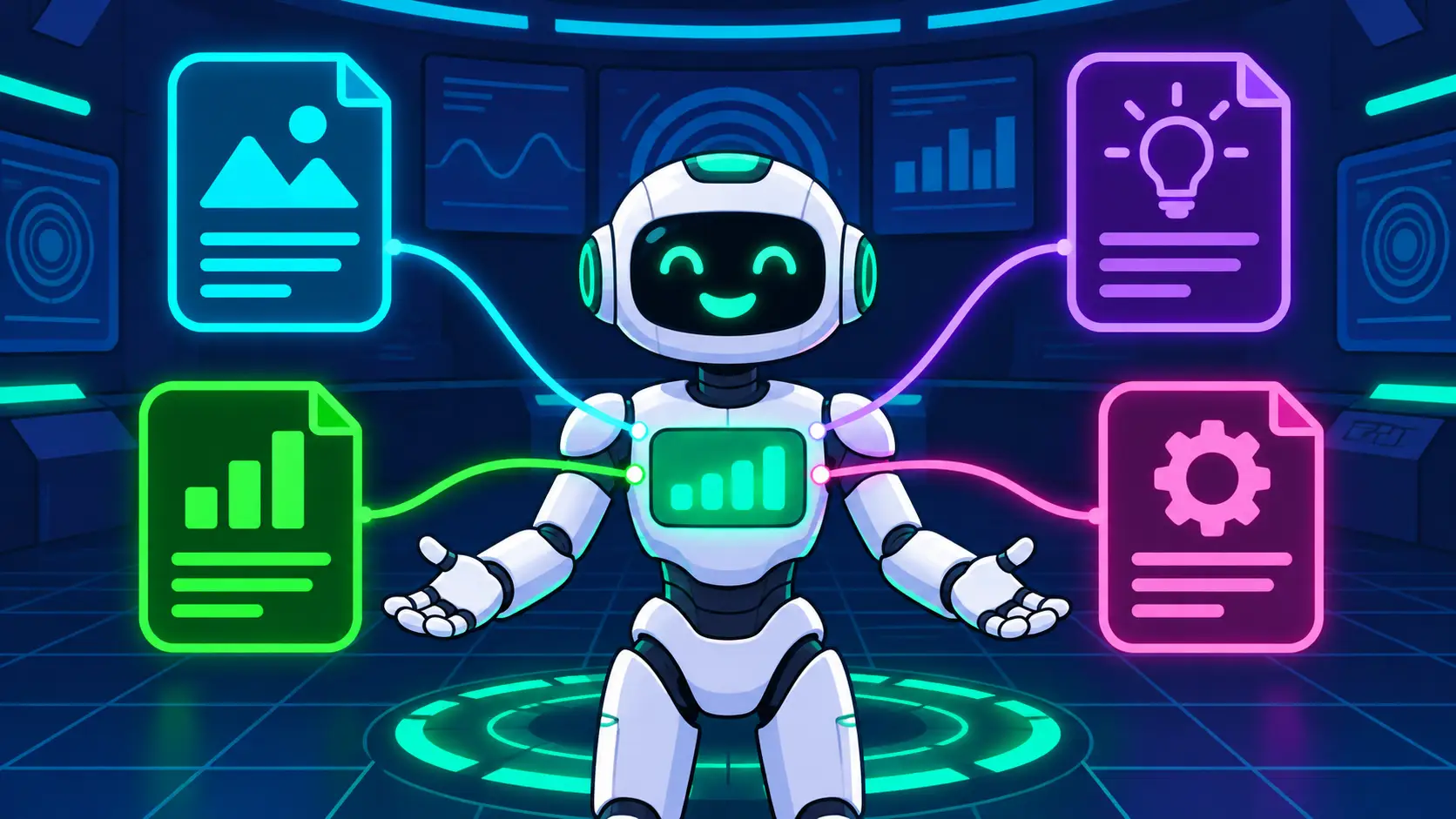
Now that you've learned the basics of some of the fundamental cores of interacting and using AI and knowing what a chatbot is, the next step up from a chatbot is an agent. A chatbot, as you already know, is something you can interact with back and forth in a conversation style. It will give you answers, generate things, and create things with you. Where the agent steps in is that an agent is able to do all those things and complete very complex multi-step tasks. When you set up your first agent you will be able to really customize and personalize this agent so that all the content and everything that it creates (and everything it does) is under your guardrails and how you work (essentially your workflow).
In this lesson you will learn, step by step, how to set up a basic working agent. We're going to walk you through all the steps of activating the agent on your AI platform of choice. We will help you generate your first set of instruction files that you give to your agent. You'll have a fully working agent at the end of this module.
Start free. Most Pro tiers start at $20 when you're ready for an agent.
| Chatbot | Start with free tiers | Agent included at Pro | "Go Pro" pricing |
|---|---|---|---|
| Claude | Yes | Claude Code | $20 a month (Pro) |
| ChatGPT | Yes | Codex | $20 a month (Plus) |
| Gemini | Yes | Antigravity | $19.99 a month (Google AI Pro) |
| Grok | Yes | Grok Build | About $30 a month |
| Muse | Yes | Muse | Free |
Prices checked October 31, 2026. Plans change; the shape doesn't: free to learn, about $20 at the agent door, or free with Muse.
Log in to the AI provider you're currently using.
Check the side panel for your specific "AI Provider" if you're using one of the four we've recommended. We've included instructions for all of those providers.
Once you've upgraded your account, your agent feature should be enabled and ready to go. Last step is to go into the lab to put together & set up your first AI Agent.
What you've built so far
You set up a chatbot that knows who you are. You made pictures from words, and turned a picture into a video.
An agent is where it goes deeper. It learns your preferences, your branding, your style, and it holds onto them. So what it makes with you isn't generic AI slop. It's yours, made the way you like it, every time.
All right. Now that you have your plan upgraded and your agent feature has now been activated, you are ready to set up your first agent. First thing we need to do is generate the files that your agent is going to need to run. Here are the steps to the full setup.
Start building your files by pushing the "Build your agent" button and that will bring you to our agent building page on AgentBrain.
Follow the instructions on the starter page, once you go through the entire process, at the end you will have a working agent.
The files behind an agent
| File | What it does |
|---|---|
| Agent file (the one you made in this lesson) | A little of everything in one place, enough to get your agent started. |
| Instructions file | How your agent works, its rules, and what it should never do. |
| Voice file | How your agent sounds when it writes, so it talks like you. |
| Design file | Your colors, your style, your branding, so what it makes looks like you. |
| Audience file | Who you're talking to, so it aims at the right people. |
| Project file | What you're building, so your agent stays on track across sessions. |
Want to take our full AI course? Dive deeper with a dedicated mobile app, access it anytime, track your progress, and join a community to ask questions when you get stuck. Join Our Skool Community, it's 100% free.