Lesson 2
Image
Introduction
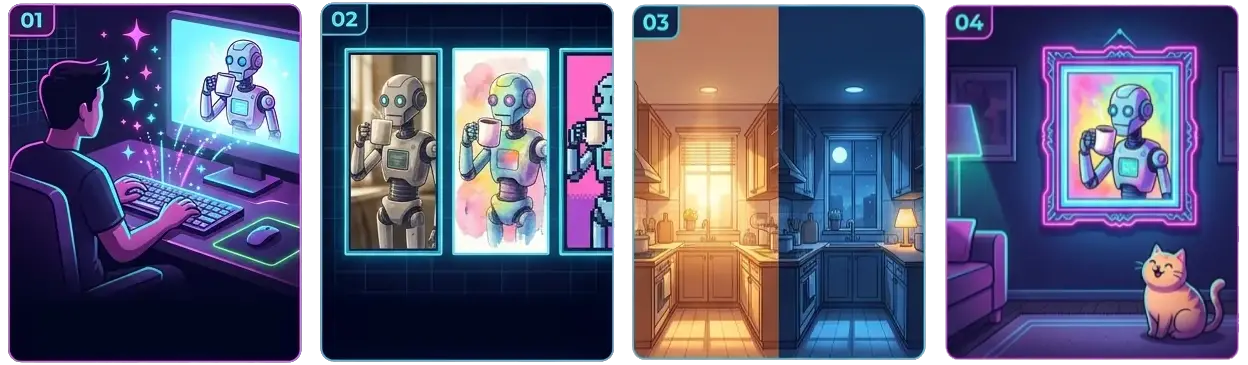
Want more image variations? Peek ahead to the Prompt hall
Images are among the most generated media files that people create with AI. In this lesson module, you’ll learn about the different image generators and how each one specializes in a particular area, technique, or style. Things are evolving quickly with AI image generators, so it’s best to experiment and figure out what works best for you.
By the end of this lesson, you should know how to generate an image, apply different edits, and identify a style or tone that fits your own aesthetic and the type of images you want to create.
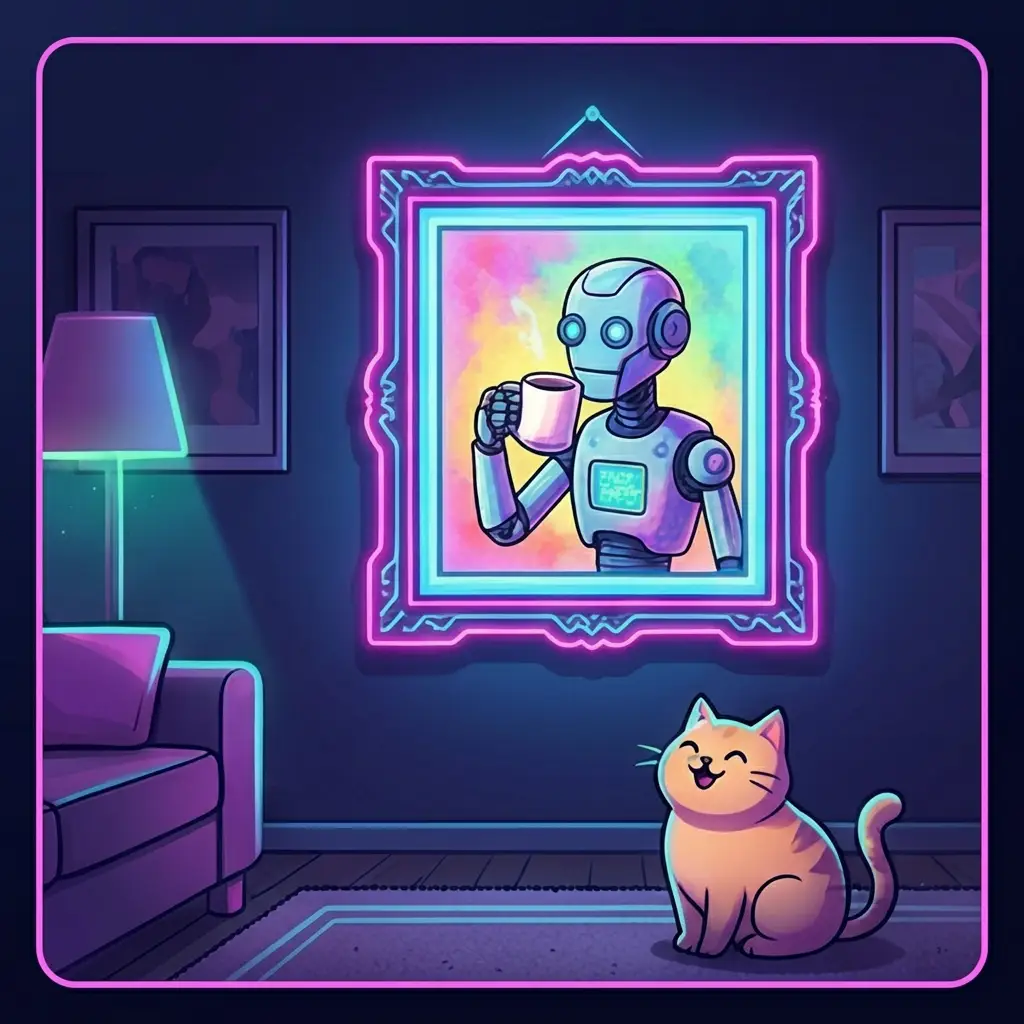
"A small robot drinking coffee in a frame on a living room wall at night, a cat watching, cozy storybook illustration"
Prompt Break Down:
- Subject: Small Robot drinking coffee in a frame
- Scene: Living room wall at night with a cat watching
- Style: Cozy Storybook Illustration
Making adjustments to any part of the prompt will change the output. Making adjustments to the style will give you different variations of the overall composition of the image.
Make your first image
Use ChatGPT, Gemini, or Grok for this one. Claude cannot make pictures.
Open your chatbot and start a new conversation.
Copy this prompt into the message box and send it:
PromptA small robot drinking coffee in a frame on a living room wall at night, a cat watching, cozy storybook illustration
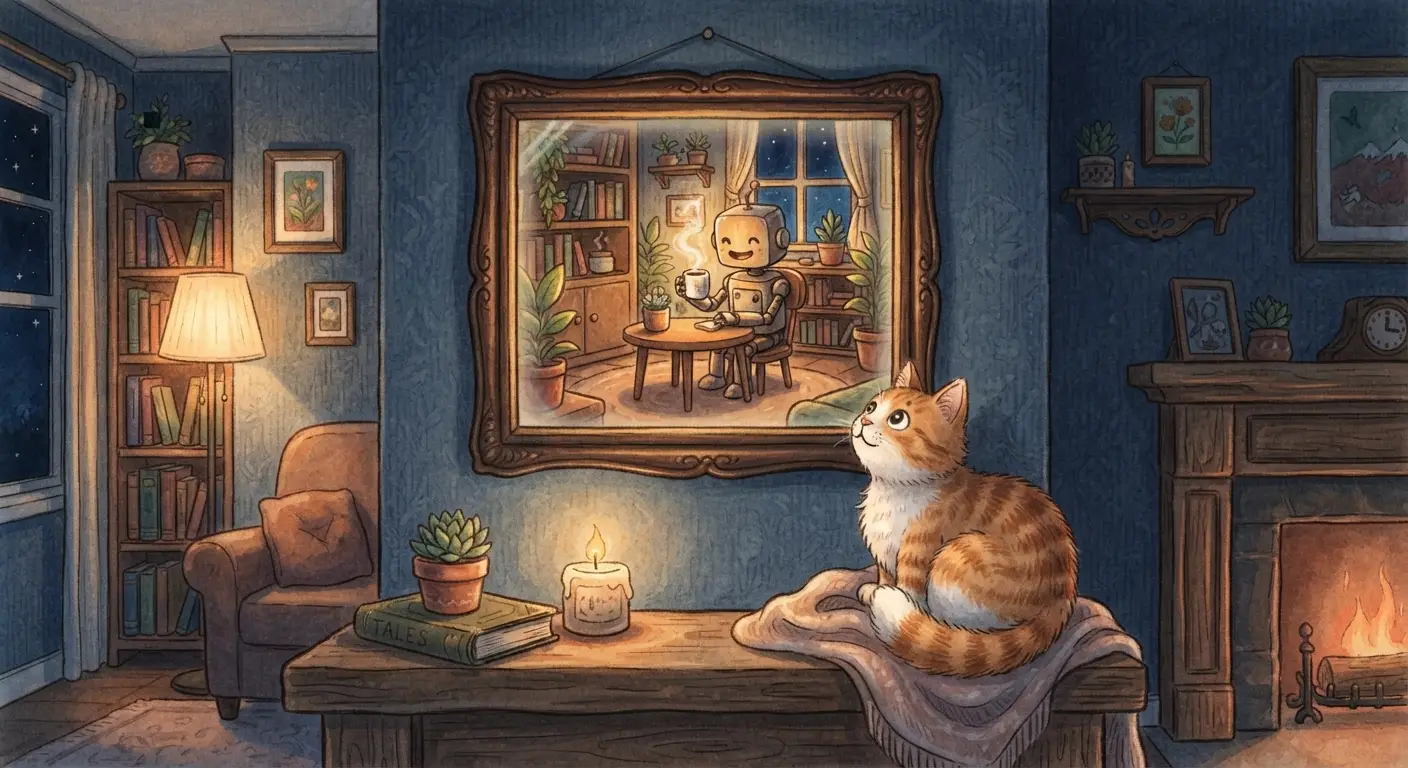
Here's what we got from this exact prompt. Yours will look different, and that's expected. Every generator has its strengths, so experiment and find the little workflows that work for you. Wait for the picture. That is an image generator working: your words, drawn.
Now steer it. Send the same prompt again with one change: swap "cozy storybook illustration" for "photograph". Same words, one change, different picture. That is the steering wheel.
Save the one you like. Use the download button on the picture. Keep it nearby, the Video hall starts from still pictures like this one.
That's it. You made an image with AI.
Already generating images before you got here? Then your next room is ready:
Want to take our full AI course? Dive deeper with a dedicated mobile app, access it anytime, track your progress, and join a community to ask questions when you get stuck. Join Our Skool Community, it's 100% free.