Lesson 3
Video
Introduction
Video generation is probably one of the most popular forms of media that people like to create with AI. There are many different ways that you can create a video with AI, but we find that the video generators that start with a starting image are one of the best ways to generate video with AI.
In this lesson you will learn how to take what you learned from the previous lesson with the image generator and apply that skill to get a really good starting image (in order to build and generate good-quality video). When you start with a strong starting point image, it makes the rest of the video generation a lot easier, especially if you are trying to get some consistency from more than one generation. This is definitely a good way to get started and learning the foundations of video generation with AI.
Three ways to make a video
Every video model works one of three ways. You start from words, from one picture, or from a first and last picture.
| Model | Starts from words | Starts from one picture | Starts from a first and last picture | One short video costs | Known for |
|---|---|---|---|---|---|
| Veo 3.1 (opens in a new tab)Google | Yes | Yes | Yes | about 30 cents (Fast) | Makes the sound too: voices, effects, and music in the same pass. |
| Kling 3.0 (opens in a new tab)Kling | Yes | Yes | Yes | about 20 cents | Control: tell it the first frame and the last frame and it fills the middle. |
| Grok Imagine (opens in a new tab)xAI | Yes | Yes | No | inside Grok plans | Lives in the Grok app, quick and playful. |
| Runway Gen-4.5 (opens in a new tab)Runway | Yes | Yes | No | about 50 cents to a dollar | Editing: change a real video's light, weather, or style. |
| Seedance (opens in a new tab)ByteDance | Yes | Yes | No | about 20 to 40 cents | Fast and low cost, a favorite for trying lots of versions. |
Prices checked October 31, 2026
The cheapest way to play
If you want more than the free daily clips, skip the subscriptions. A pay-as-you-go service called KIE.AI sells credits for the models above: 5 dollars buys 1,000 credits, the credits never expire, and failed videos are not charged. That is roughly two dozen short videos to experiment with.
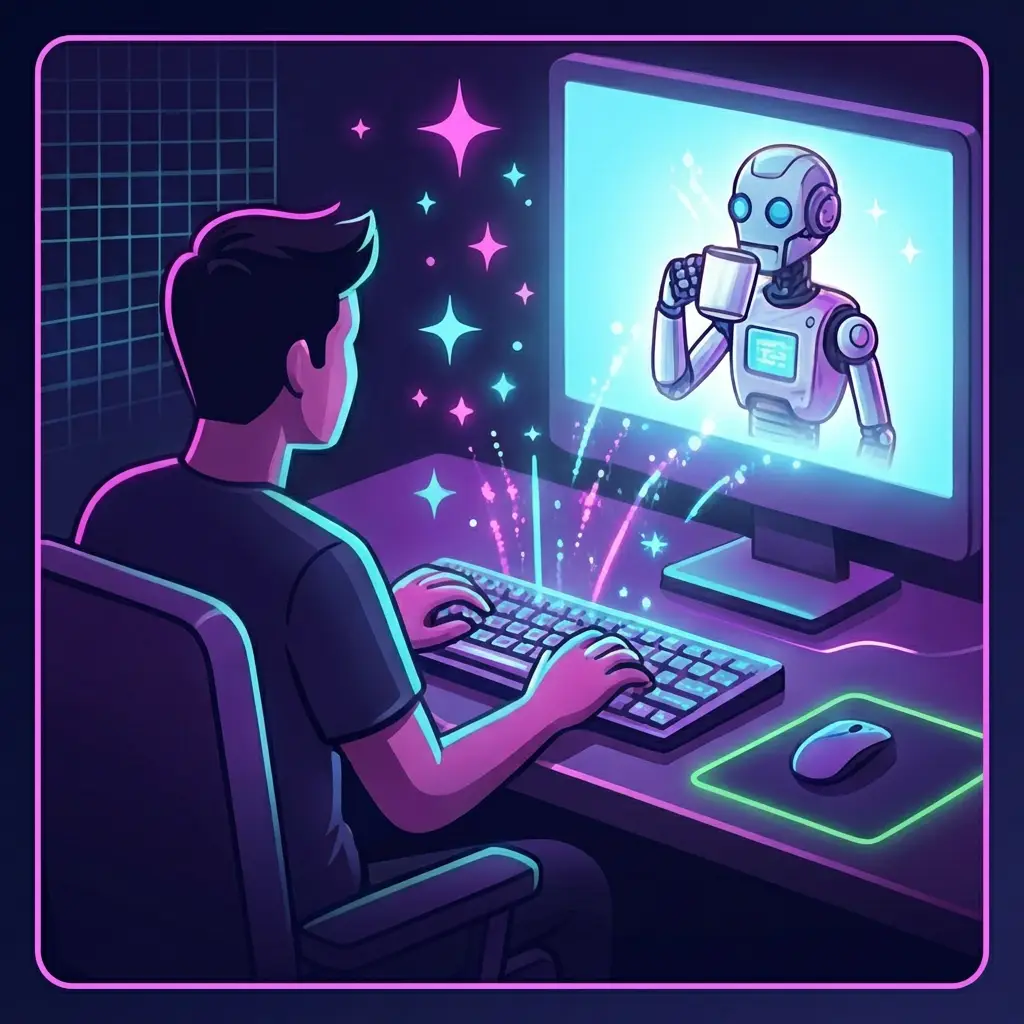
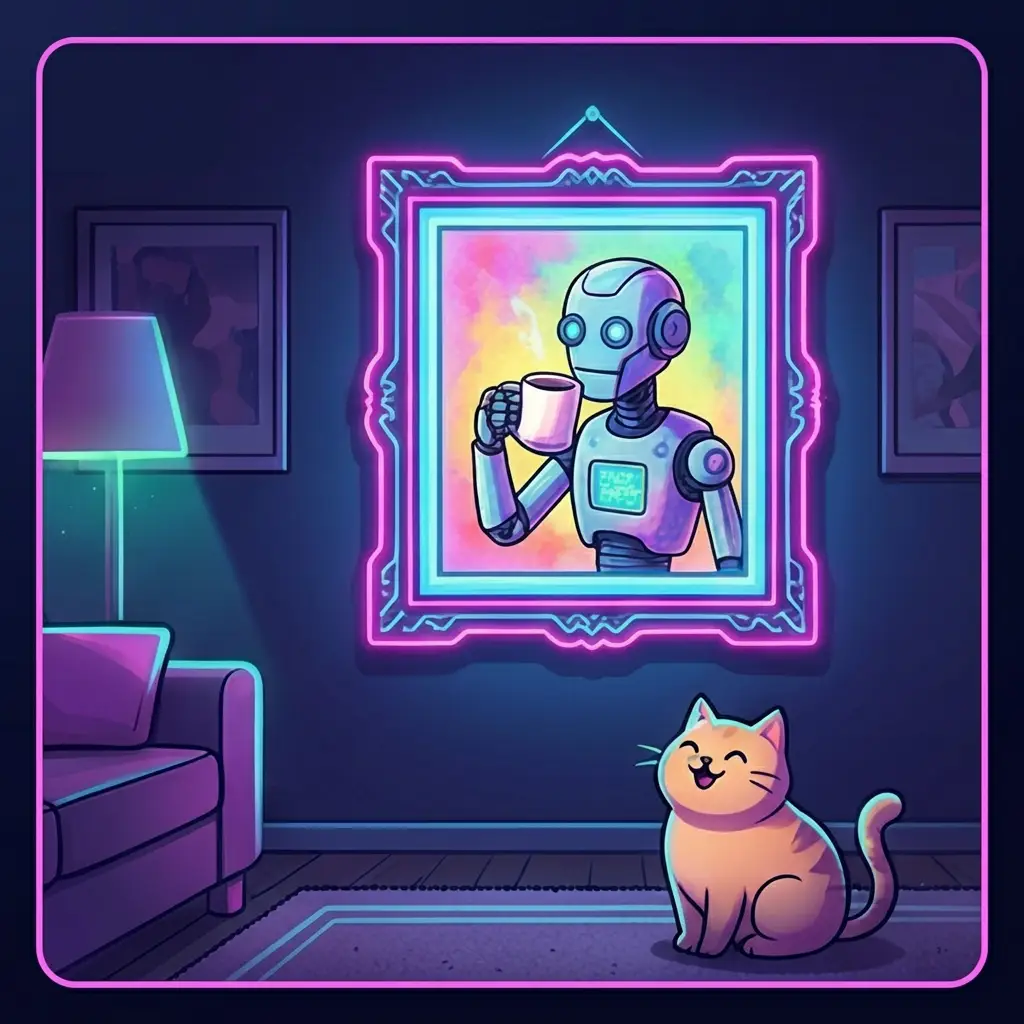
Turn Two Images into a Video!
This lab uses Google Flow, which is free for a few clips a day, and the picture you made in the Image hall.
Open Google Flow (opens in a new tab) and sign in with a Google account.
Start a new project and choose the image-to-video option.
Upload the picture from the Image hall lab, the robot drinking coffee.
Describe the movement in the prompt box:
MovementThe robot lifts the cup and takes a sip. The cat watches it. The camera moves in slowly.
Generate with Veo 3.1 Fast and wait. Watch what it made.
Not quite it? Change one word of the movement and run it again. Same steering wheel as the picture, now with motion.
Download the clip you like. That moving picture started as one sentence in the Image hall.
That's it. You made a video with AI.
Already making videos before you got here? Then your next room is ready:
Want to take our full AI course? Dive deeper with a dedicated mobile app, access it anytime, track your progress, and join a community to ask questions when you get stuck. Join Our Skool Community, it's 100% free.